
Knowing what is a pdf reader feels obvious — until a signed contract opens with scrambled fonts, or a viewer asks for permissions it has no reason to need. Adobe released the PDF format in 1993, and it became the international standard ISO 32000 in 2008.
Table of Contents
- 1. What a PDF Reader Actually Does
- 2. How PDF Viewers Render Files Behind the Scenes
- Text, Fonts, and Embedded Assets
- Rendering Engines
- The Security Layer
- 3. The Main Types of PDF Readers You Can Pick From
- Quick Comparison of Popular PDF Readers
- 4. How to Choose a Safe PDF Reader
- 5. Common Mistakes People Make With PDF Viewers
- Can password-protected PDFs be opened?
- Do PDF viewers work fully offline?
- Which PDF readers work best with screen readers?
- How do I set a PDF reader as the default app?
- Can a PDF reader fill in and save forms?
- Conclusion
Three decades later, the format carries tax returns, boarding passes, bank statements, and rental agreements.
The trouble is that “reader” has become a catch-all label. Some apps only display pages, while others edit, sign, compress, and redact. Modern browsers open PDFs by default, so plenty of people never install anything at all.
That convenience hides real questions about security, offline access, and what happens to the text you copy. This guide covers five practical facts: what a viewer does, how it renders pages, the types that exist, how to pick a safe one, and the mistakes that waste time or expose data.
1. What a PDF Reader Actually Does
So what is a pdf reader in practice? It is a program that opens a PDF, renders each page, and gives you tools to scroll, zoom, search, print, and export content.
The format was built to be device-independent. A PDF stores text, embedded fonts, vector shapes, and images alongside precise instructions for where each element sits on the page.
A viewer’s core promise is fidelity. Page 7 should look identical on your laptop, your phone, and a printer on the other side of the world.
Everything beyond display is optional. Depending on the app, you may also get annotations, form filling, digital signature checks, or text extraction.
– Display — page rendering, zoom, rotate, single-page, and continuous scroll modes
– Navigation — bookmarks, thumbnails, full-text search, and internal links
– Extras — highlights, comments, form fields, and signature validation
A common scenario is a freelancer who receives an invoice as a PDF and only needs to read, save, and forward it. A free viewer handles that in seconds, while a paid editor adds cost and complexity for no benefit.
Understanding what is a pdf reader is really meant to do keeps you from downloading a heavy suite you will never configure.
How to apply this: open one of your own PDFs and test three things — can you search the text, copy a sentence, and check for a signature? If two of three fail, you are using the wrong category of app.
2. How PDF Viewers Render Files Behind the Scenes
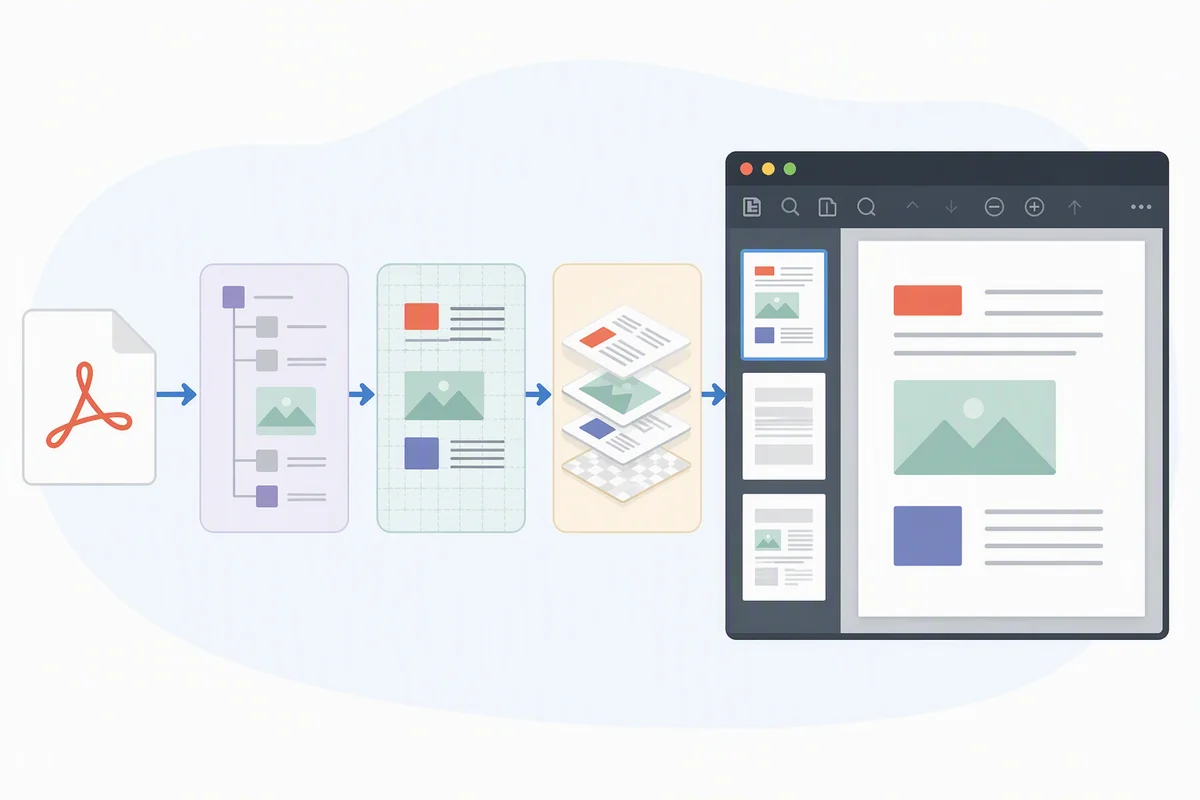
A pdf viewer parses the file’s internal objects, rebuilds each page as a vector drawing, and paints it to your screen at whatever zoom level you choose.
That pipeline explains most of the odd behavior you have seen. The engineering behind what is a pdf reader affects speed, accuracy, and — importantly — risk.
Text, Fonts, and Embedded Assets
PDF files are closer to drawing instructions than to a Word document. If a font is embedded, every viewer shows the same letterforms. If it isn’t, your software substitutes a similar font, and line breaks can shift by a few characters. That is why two apps can disagree about where page 12 ends.
Rendering Engines
Two open-source engines dominate everyday viewing. PDF.js powers Firefox’s built-in viewer and runs in JavaScript. PDFium sits inside Chromium browsers such as Chrome and Edge. Both are free, actively maintained, and avoid the licensing costs of commercial code.
The Security Layer
PDFs can carry embedded JavaScript and file attachments. Good viewers let you disable both, and browser-based viewers add another layer by running inside the browser’s sandbox. The NIST National Vulnerability Database tracks memory-corruption flaws in parsing libraries over the years, which is why patch cadence matters more than brand loyalty.
How to apply this: open your viewer’s preferences, turn off JavaScript execution and automatic attachment opening, then check for updates. The whole task takes under two minutes.
3. The Main Types of PDF Readers You Can Pick From
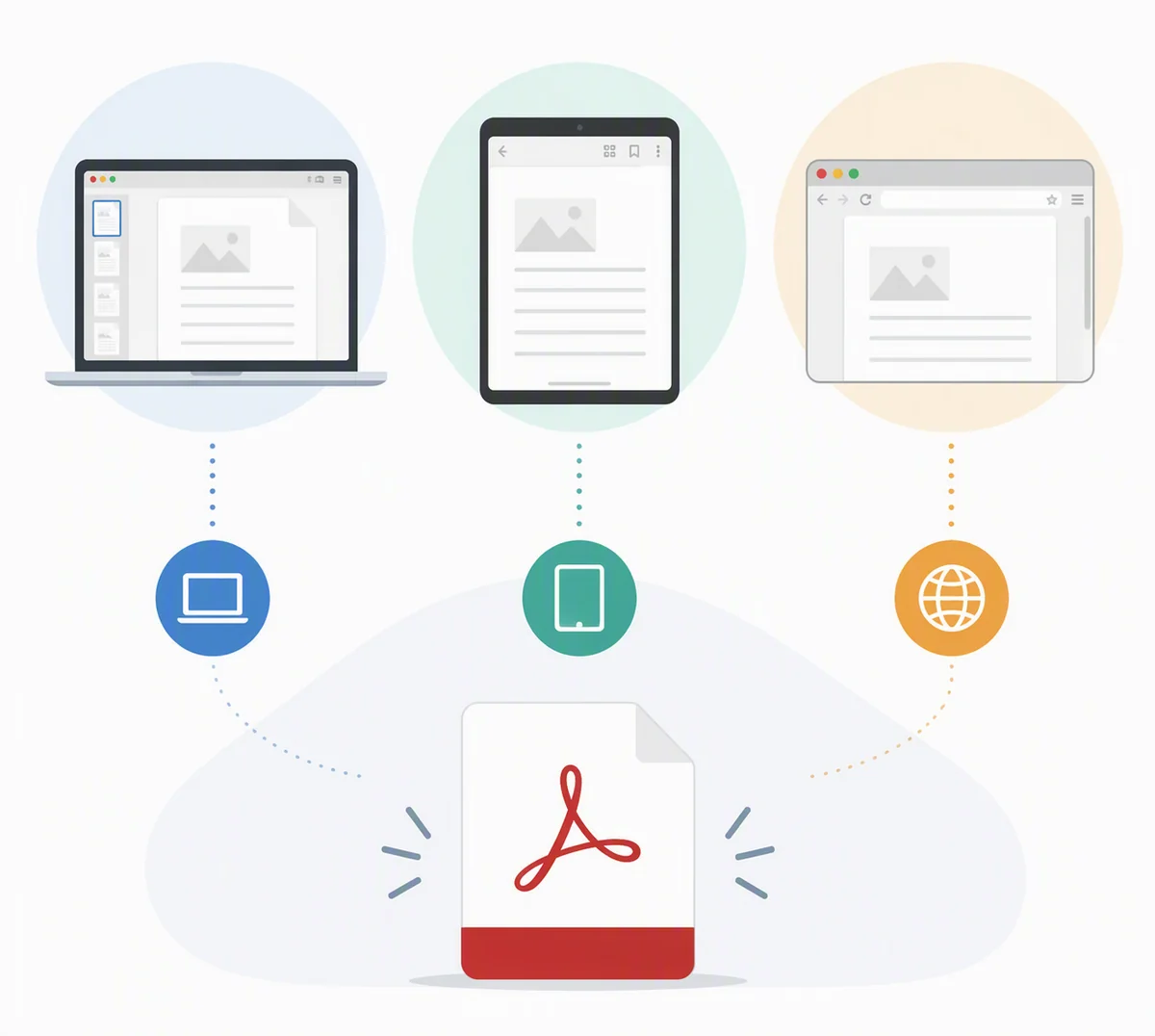
There is no single best category — only the best fit for how you actually use documents.
– Desktop viewers such as Adobe Acrobat Reader and SumatraPDF focus on fast, reliable reading
– Browser viewers in Chrome, Edge, Firefox, and Safari open a file with zero installation
– Mobile readers ship with iOS Files and Android file managers for reading on the go
– Suite apps like Acrobat Pro or Nitro combine reading with editing, OCR, and redaction
– Developer libraries such as PDFium and pypdf automate reading inside scripts and pipelines
Because Chrome and Firefox include viewing by default, a large share of users never install a standalone program. That is fine until they need offline access, form saving, or signature verification.
Knowing what is a pdf reader looks like in each category stops you from buying an editing suite to read a five-page lease. Match the tool to the job, not the marketing.
Whatever category you choose, the answer to what is a pdf reader stays the same at its core: a tool that displays pages faithfully and lets you find what you need.
Quick Comparison of Popular PDF Readers
| Reader | Best for | Standout trait | Action to take |
|---|---|---|---|
| Adobe Acrobat Reader | Forms and signatures | Free with protected view | Download from the official Adobe page |
| Firefox (PDF.js) | Everyday reading | Open-source and sandboxed | Set it as your default handler |
| Chrome or Edge | Quick one-off reads | No installation needed | Review the auto-open download setting |
| SumatraPDF | Older or low-RAM PCs | Tiny footprint | Test it on your slowest machine |
| Foxit PDF Reader | Annotation-heavy work | Fast page rendering | Compare speed on a 200-page file |
| macOS Preview | Mac users | Native and free | Try Markup for quick signatures |
How to apply this: pick one reader per device, set it as the default for .pdf files, and stop juggling three apps for the same job.
4. How to Choose a Safe PDF Reader
A safe choice is a viewer that is actively maintained, sandboxed where possible, and downloaded from the vendor’s official page rather than a third-party bundle site.
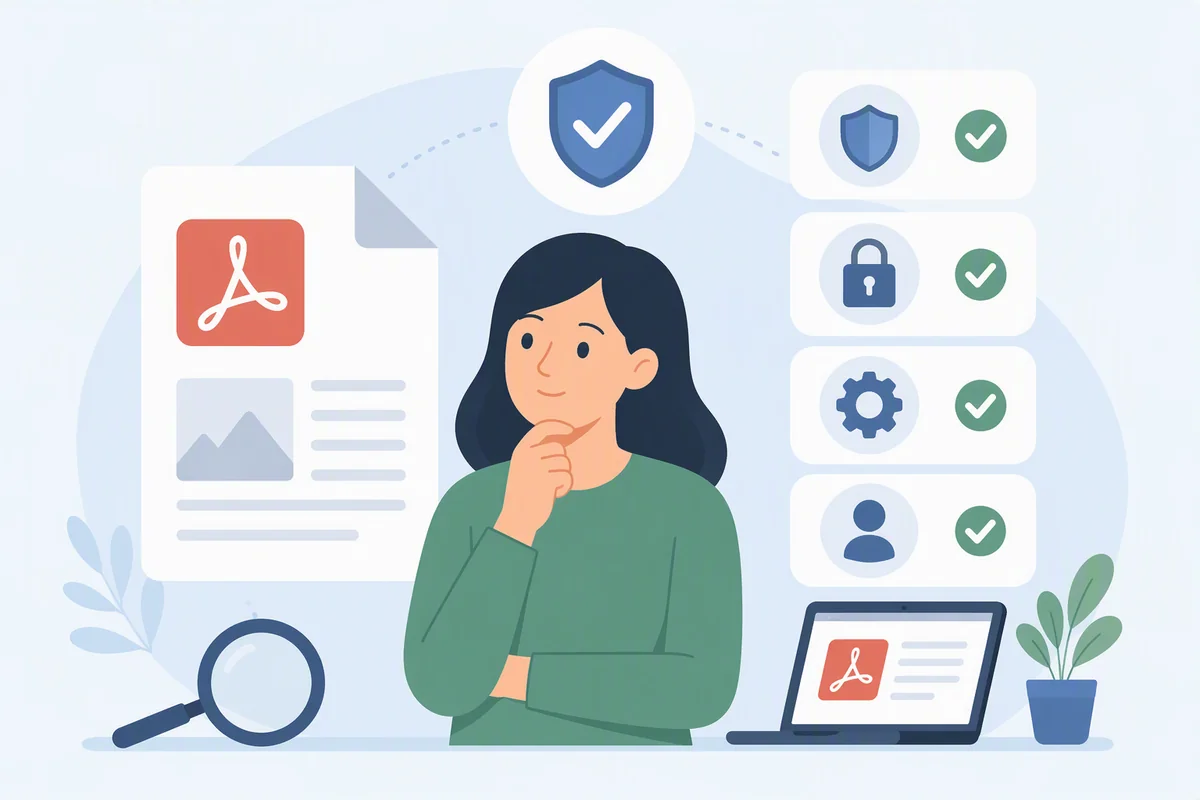
Most document-based attacks depend on an outdated or unpatched viewer. Attackers favor PDFs because email filters treat documents as routine attachments rather than executable code.
– Download from the source. Use the vendor’s own domain or an official app store listing
– Check the patch history. Search the vendor name on the NIST National Vulnerability Database to see recent fixes
– Prefer sandboxed viewing for unknown files. A browser tab or protected mode limits the damage a malicious file can do
– Review mobile permissions. A viewer that requests contacts and location access is overreaching
– Verify before you sign. A signature panel should show validity, the signer, and certificate details
Adobe’s overview of the format explains that PDF became an open standard maintained by the International Organization for Standardization, which is why independent developers can build competing viewers without licensing negotiations. That openness works in your favor: if one app lags on updates, you can switch without losing access to your files.
The security side of what is a pdf reader comes down to maintenance and configuration, not brand name.
How to apply this: before your next download, spend two minutes on the vendor’s changelog or advisory page to confirm a release shipped in the past few months.
5. Common Mistakes People Make With PDF Viewers
The most frequent mistakes are paying for an editor to do simple reading, ignoring updates, and trusting any file that ends in .pdf.
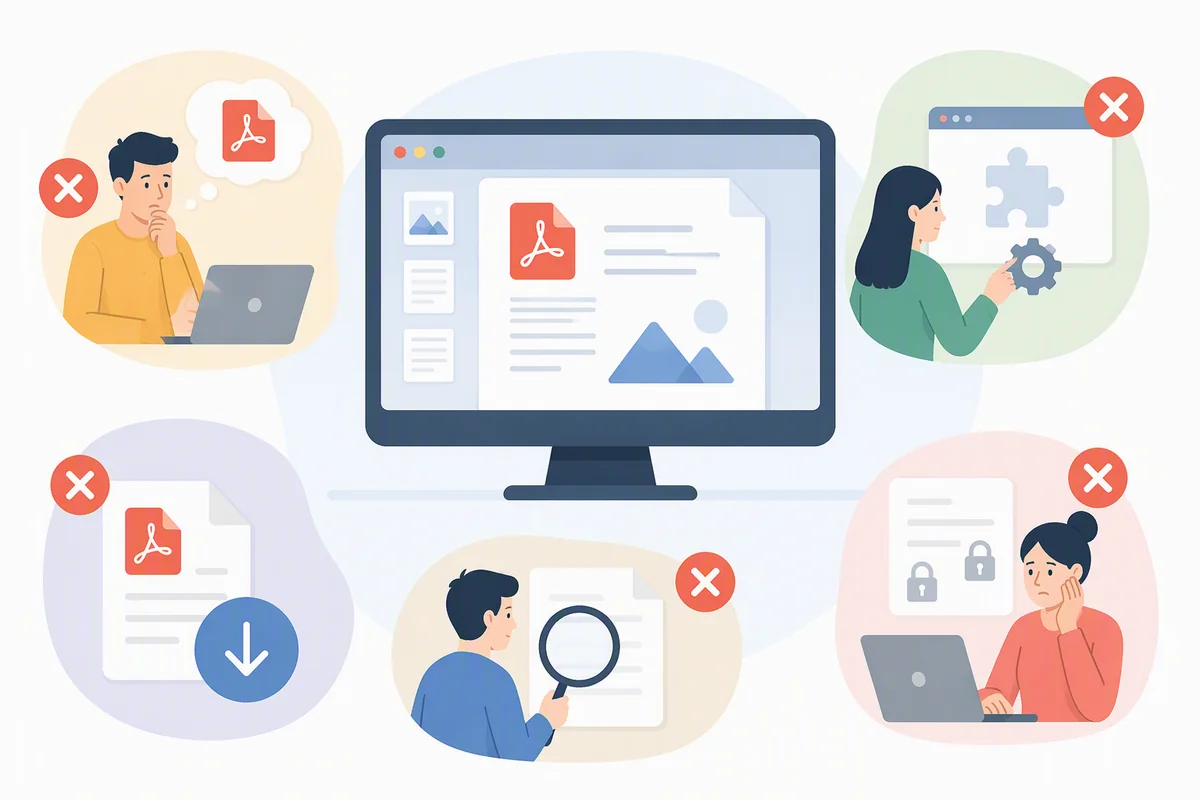
– Assuming every viewer is equal. Rendering speed, search accuracy, and form support vary widely between apps
– Trying to edit with a reader. Viewers typically cannot change text, and that requires a different class of tool
– Ignoring updates. Parsing libraries are a known attack surface, and old versions stay vulnerable
– Copying text from a scanned PDF. If your cursor selects nothing, the page is an image and needs OCR
– Opening unexpected attachments. A PDF from an unknown sender is a risk, regardless of the extension
– Signing on a phone without verifying. Always confirm that validation shows a trusted certificate
The gap between what a viewer is designed to do and what people ask it to do causes most of these problems. Reading, editing, and signing are three separate capabilities, often sold at three separate prices.
Honestly assessing what is a pdf reader can and cannot change prevents a lot of wasted effort and a few unnecessary purchases.
How to apply this: run the cursor test on your next scanned document. If nothing highlights, plan for OCR instead of retyping the whole thing.
Frequently Asked Questions About what is a pdf reader
Can password-protected PDFs be opened?
Yes. Most current viewers prompt for the password and decrypt the file in memory rather than writing an unlocked copy to disk. Owner restrictions can still block printing or copying even after you unlock it. The question of what is a pdf reader supports gets practical here, because encryption handling varies between older desktop apps and modern browser viewers.
If the password is lost, a viewer cannot recover it for you.
Do PDF viewers work fully offline?
Standalone desktop and mobile viewers work offline because rendering happens locally — no connection is required to open or search a document. Browser-based viewers cache their engine and usually work offline once loaded. Most guides on what is a pdf reader skip this, but cloud features such as syncing, e-signature requests, and AI summarization all need an internet connection.
Test your tool in airplane mode before you rely on it.
Which PDF readers work best with screen readers?
Tagged PDFs built to the PDF/UA standard read correctly in Adobe Acrobat Reader, which offers Read Out Loud and dedicated accessibility preferences, and in screen readers such as NVDA, JAWS, and VoiceOver. Untagged or scanned documents remain troublesome no matter which app you choose. The PDF Association publishes public guidance on accessible PDF.
Test accessibility before you commit, because explanations of what is a pdf reader rarely mention it.
How do I set a PDF reader as the default app?
On Windows, right-click a PDF, choose Open with, then Always use this app. On macOS, select a file, open Get Info, and set Open with followed by Change All. On Android or iOS, tap the file and choose a preferred handler in the share sheet.
Most guides on what is a pdf reader overlook this step, but it stops the same document opening in three different programs.
Can a PDF reader fill in and save forms?
Interactive form PDFs allow typing into fields, and many free viewers can save the completed version. Flat or scanned forms cannot be filled digitally without OCR or overlay tools. A common frustration is losing data because a viewer only prints rather than saves.
Answers to what is a pdf reader questions usually assume saving works, so verify by closing and reopening the file after you fill it in.
Conclusion
A viewer is a display tool first, and everything else is optional. Keep that in mind and most decisions become simple.
– A pdf reader renders pages faithfully and handles navigation, search, and export by default
– Open-source engines like PDF.js and PDFium are sandboxed and updated regularly
– Desktop, browser, mobile, suite, and library tools serve genuinely different jobs
– Safety comes from official downloads, current patches, and disabling embedded JavaScript
Pick one viewer per device, set it as the default for .pdf files, turn off embedded JavaScript, and check for an update this week. Do that once, and you will rarely need to think about what is a pdf reader again.